What is a 360° virtual tour?

Step inside Kenko, our restaurant project in La Fortuna. Learn how a space becomes an experience visitors can explore, understand, and act on.

Kenko · A hands-on guideOpen the complete Kenko tour ↗
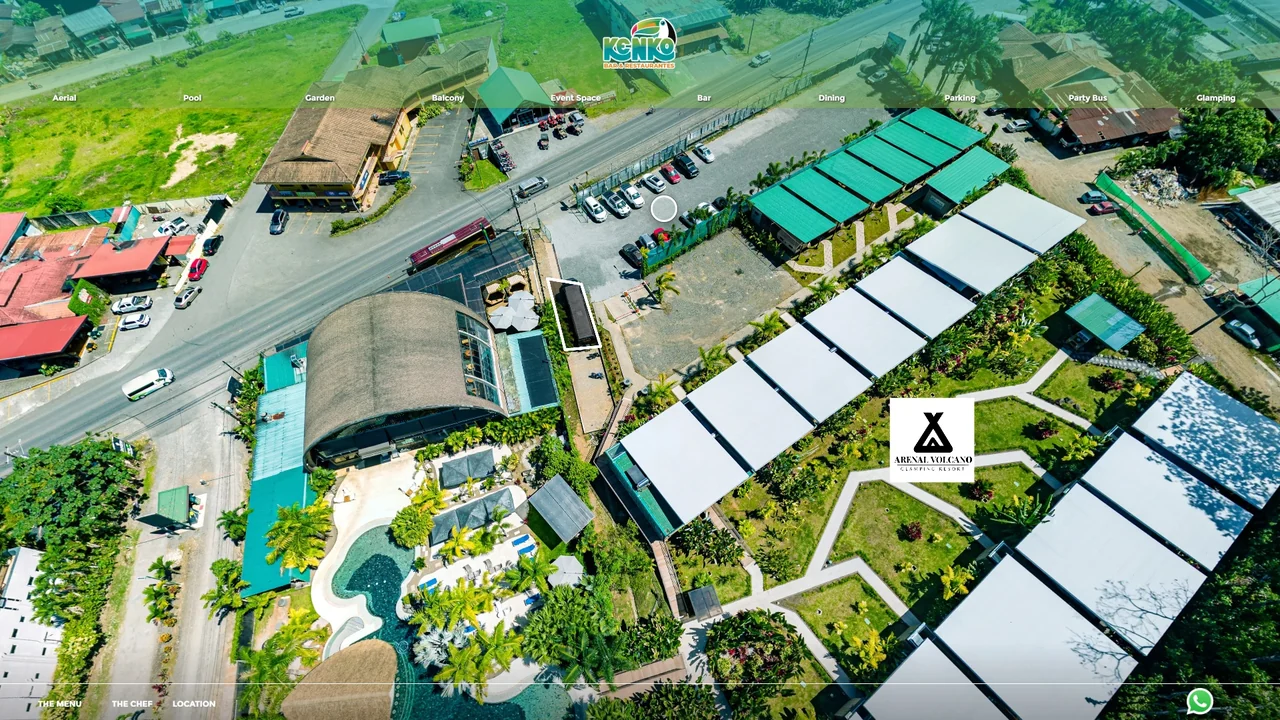
Dining at Kenko, a real 360° photography project by YouSee360
Three real spaces. Your point of view.
You control the camera

Choose what you want to see.

A panorama captures every direction from one position. You can look at the seating, turn toward the bar, or look up at the roof, at your own pace.

Try itDrag across the image. On a phone, swipe. Use the + and − controls to look closer.

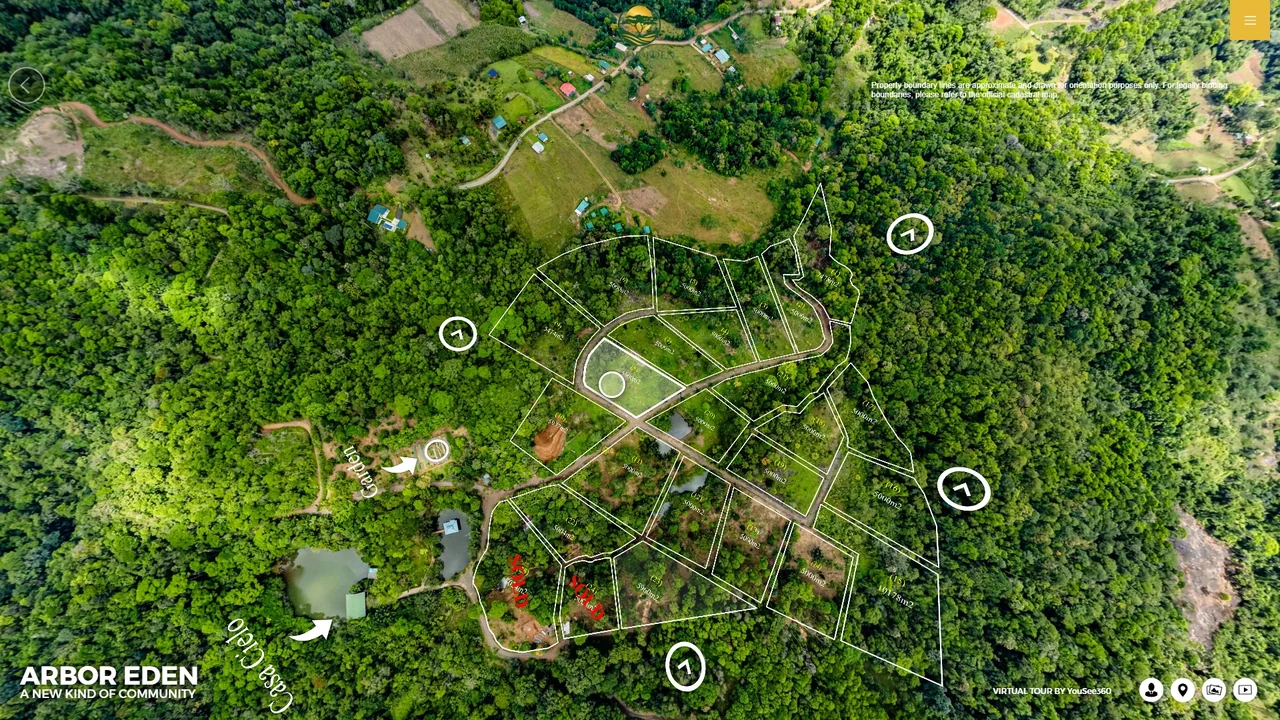
This guided preview uses three scenes from our Kenko project. The complete tour contains the original navigation, menus, media, and contact controls.

Loading your view of Kenko…

The tour is only the beginning.

Plan the outputs before the shoot. A well-captured panorama can support several formats, each with a different job.

Website / exploration

A tour people can navigate

Embed it on a landing page, a room page, or an event brochure. Visitors choose the spaces that matter to their decision.

Explore interactive tours ↗
Google / discovery

Let people see inside on Maps

Selected 360° images can be published to Google Maps. That is a separate publication: custom menus and media from the website tour do not automatically transfer.

See Kenko on Google Maps ↗
Photos / campaigns

Find the frame inside the sphere

Export carefully composed stills for a website, a brochure, or a social post. Choose the subject, angle, and crop for each placement.

See the photography ↗
Video / storytelling

Turn viewpoints into a sequence

Animate a camera path through still panoramas for a flat video or a 360° slideshow. To capture moving people and live action, plan a separate video recording.

Explore 360° films ↗
VR & AR / presence

Bring the destination closer

Adapt the collection for a headset or an augmented-reality doorway. The same place can be experienced in a different setting, with controls built for that device.

Try augmented reality ↗
Sales / useful answers

Share the place in a conversation

Send a tour link with a proposal, attach it to an enquiry response, or put a QR code on printed material. Keep menus and contact details current as the business changes.

Read the Kenko project story ↗
Panorama
One complete view from one camera position.
Scene
A stop in the tour, usually built around a panorama.
Hotspot
A clickable point that moves you, explains something, or opens content.
360° video
Moving imagery you can look around in while it plays.

A menu inside the experience

One page from Kenko’s published menu, shown here as an example of useful content within a tour. Use the complete tour or contact Kenko for current offerings.

An example page from the menu embedded in Kenko’s virtual tourBrowse the menu in Kenko’s full tour ↗

A 360° story. Your point of view.

Play the sequence, then drag inside the video to look in another direction. On supported phones, open it in the YouTube app for its 360° controls.

Watch Kenko’s 360° slideshow on YouTube ↗

How the experience is built

A 360° virtual tour is a series of spherical photographs, linked together so a viewer can move between them and look in any direction from each one. That is the whole idea. Everything else — hotspots, floor plans, branding, audio — is built on top of that foundation.

The unit that matters is the scene: one position where the camera stands and captures a complete sphere. A small restaurant might need four. A hotel usually needs one per room type plus the public areas. A retreat centre spread across several buildings can pass thirty. Because each scene carries a fixed amount of work, this is what determines both the price and how long a project takes.

The important difference from a photo gallery is not resolution or polish. It is that a tour preserves relationships. A gallery shows you a room; a tour shows you where that room sits, what is next to it, and how far it is from the pool. Almost every question that delays a booking or a viewing is a question about relationships, which is why the format converts better than the same content presented flat.

From bracketed exposures to a finished tour

Each scene is photographed as a set of bracketed exposures — the same view captured several times at different brightnesses. Those are then blended into a single high-dynamic-range image and stitched into a sphere. When this is done by hand rather than automatically inside a consumer camera, a shaded interior and a bright window can both be correctly exposed in the same frame. That is the single hardest shot in property photography and the clearest visible difference between a professional tour and a cheap one.

After capture comes the build: colour-matching neighbouring scenes so moving between them does not jar, placing the navigation hotspots that link scenes together, and adding any information hotspots, floor plans or booking links. The result is delivered as an embeddable tour, a shareable link, or both.

A capture session can also feed more than one output. The same photographs can produce the tour on your site, a publication to Google Maps through the Street View Trusted programme, and high-resolution stills pulled from the panoramas. That is why it is usually worth capturing more than you think you need while the camera is already on site.

What one costs, and what drives it

Projects start around $650 for a small property of up to five scenes, and most hotel, resort and real estate projects land between $1,800 and $4,000. The number of scenes drives the price more than anything else; after that come drone aerials, Google Street View publication, 360° video, custom hotspot and branding work, and travel.

The trap to avoid is comparing headline numbers rather than deliverables. A much cheaper quote often turns out to cover raw 360° images without a built tour, auto-stitched at lower resolution, with revisions billed hourly and hosting charged separately from year two. The full breakdown is on the pricing page.

The cases where a tour actually pays

A virtual tour earns its cost most clearly when the buyer is remote, the commitment is large, or the space is the product. In Costa Rica that covers most of the tourism and property economy: a guest booking four nights from another continent, a buyer deciding whether a property justifies a flight, a retreat guest committing to a week.

It also earns its cost quietly, by answering questions nobody has to email about. How the property connects, how far the beach is, what the room actually looks like. For a business fielding the same three questions every week, that alone can justify the spend.

Where it earns less: businesses whose customers are already local and already know the space, and premises where the interior genuinely is not part of the decision. Being honest about that is more useful than pretending every business needs one.

Common questions

A video plays on a fixed path that someone else chose. A tour lets the viewer decide where to go and where to look. Video is better for storytelling and atmosphere; a tour is better for answering questions and for anyone comparing options.

Most properties are two to four hours on site, with a delivery date agreed before the shoot. Larger multi-building properties are scheduled with a timeline to match.

No. Tours run in any modern browser on phone, tablet or desktop. A VR headset is optional and gives a more immersive version of the same tour.

Yes, through the Street View Trusted programme, which places the imagery inside Google Maps and your Google Business Profile rather than only on your own website.

Count the distinct spaces a visitor would want to see, not the rooms. One per room type plus the public areas is a reasonable starting estimate for hospitality.

Get a number for your property

Tell us the property type and roughly how many spaces you want covered. We come back with a fixed quote and a delivery date.

Get a free quote See pricing