
Augmented Reality in Costa Rica
Overlay digital magic onto the real world. Interactive menus, furniture visualization, and historical timelines through your phone.
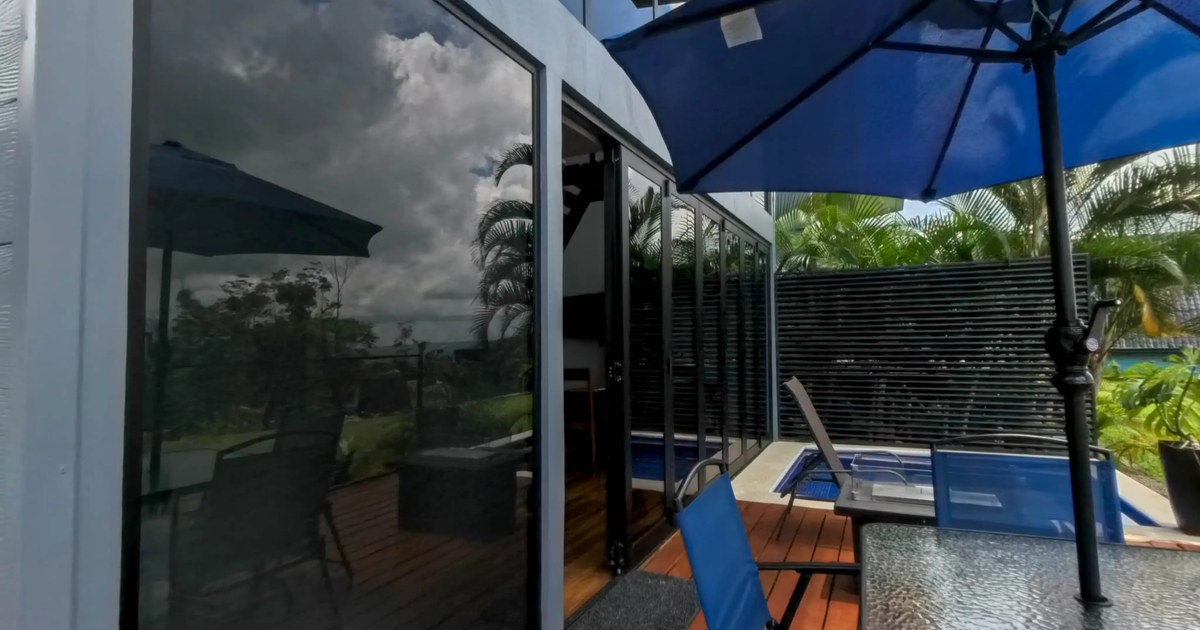
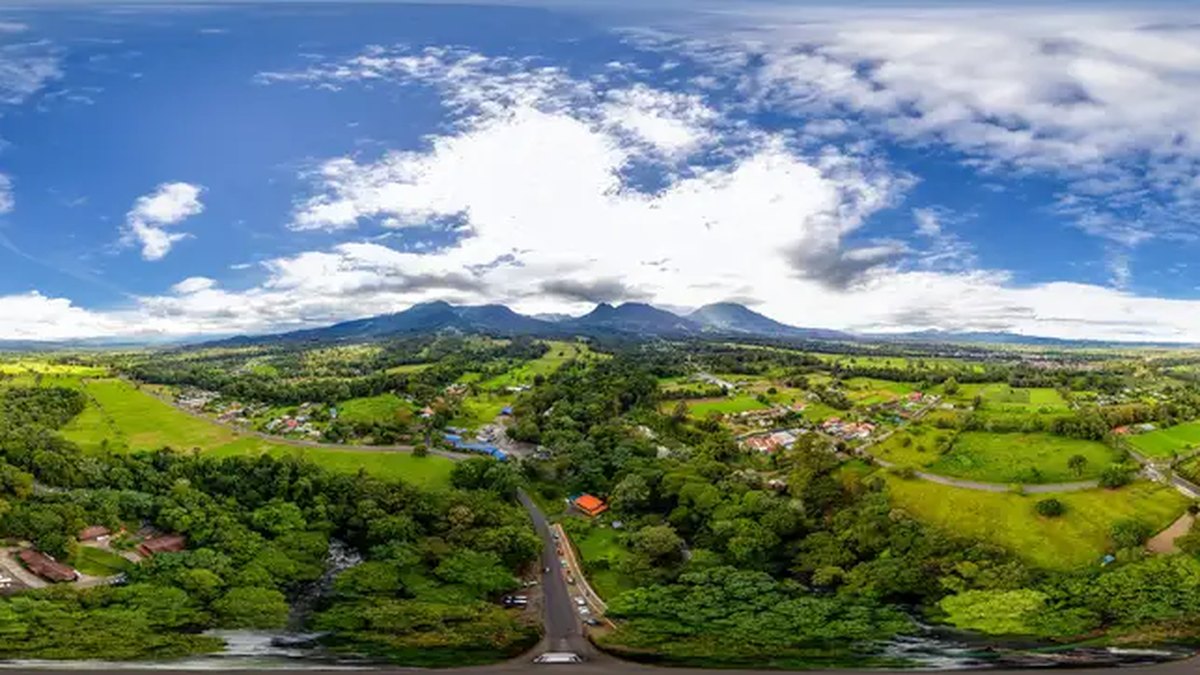
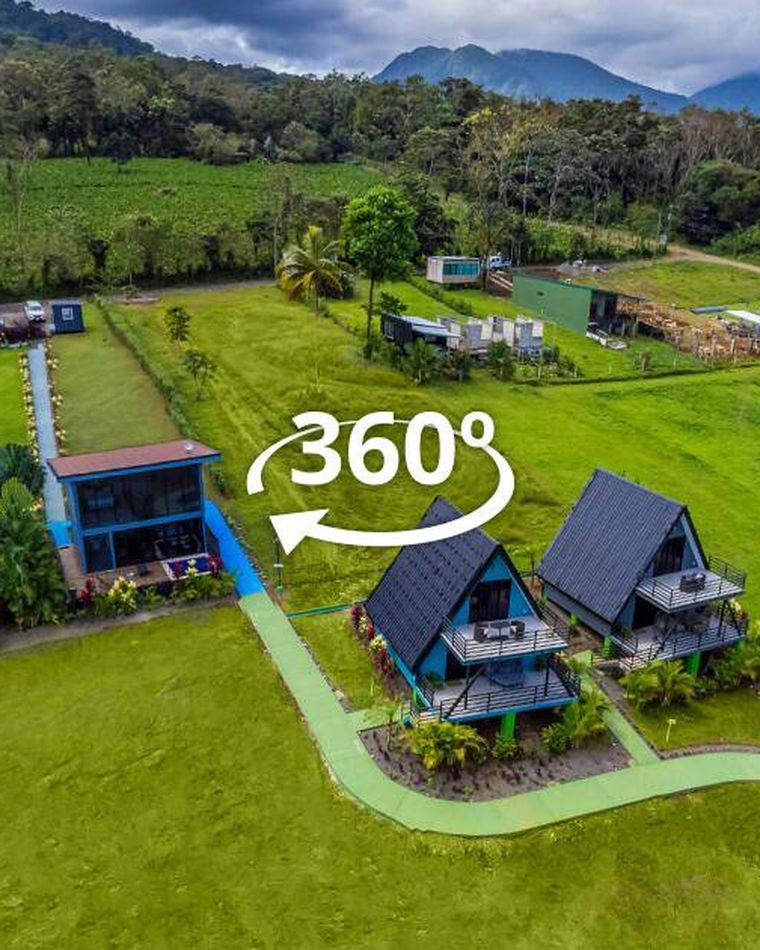
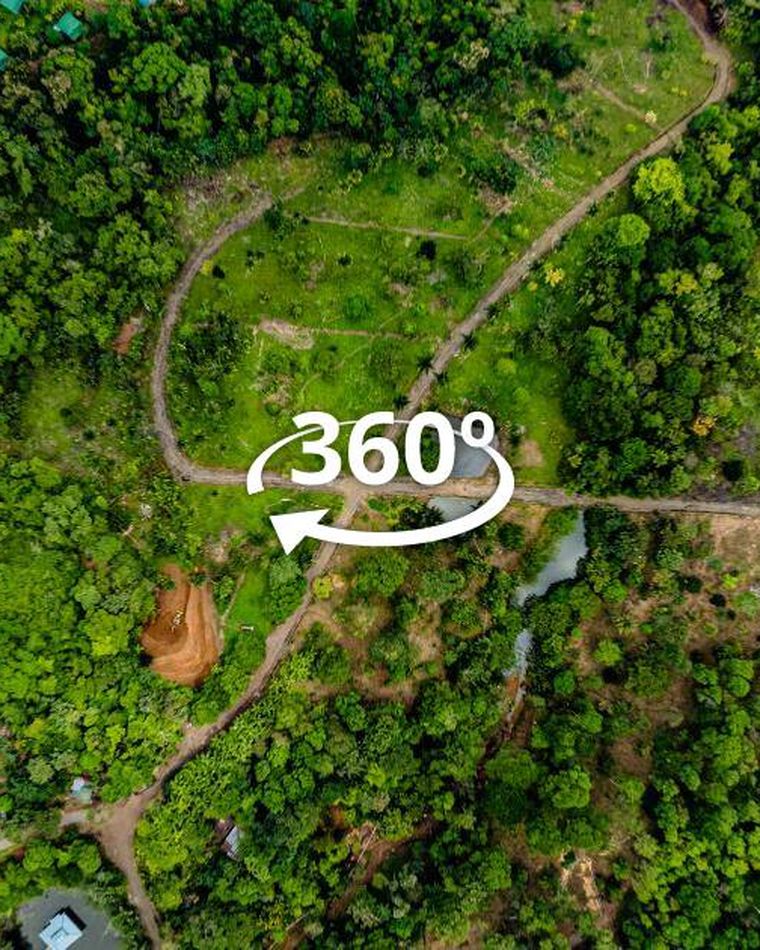
360° photography by YouSee360. Full tours: Casa del Río · Junglo Resort & Spa · Casa del Río — aerial 360°
Augmented reality portals
Use a browser-based portal to preview real photographed spaces. Camera and tracking support depend on the device; agree your project requirements with us.
- Agree the device and portal use case
- Build a preview with selected content
- Review device support and handoff
Agree your deliverables
- Agreed portal prototype
- Device requirements and delivery scope
AR capabilities
Product Visualization
Let customers place your furniture, art, or products in their own home before they buy.
Interactive Menus
Restaurants can show 3D dishes hovering over the table. Seeing is drooling.
Try Live WebAR 3D World Portals
Experience our custom-built WebAR portal engine. Place 3D doorways to Costa Rica’s finest resorts, retreat centers, and properties into physical space from your smartphone camera or interactive 3D simulator.
Launch Live WebAR Experience →WebAR - No Apps Required
We specialize in WebAR, meaning your customers don't need to download an app. They simply point their camera at a QR code or marker, and the experience begins immediately.
More questions about this format
Expert Insights
What is the benefit of WebAR over an App?
WebAR can open from a link or QR code without a separate app. Camera-based placement requires a supported device and browser, permission to use the camera, and sufficient loading time.
How can my business use Augmented Reality?
Common uses include 3D product previews, interactive menus, AR business cards, and digital scavenger hunts for tourism destinations.
Everything you need, nothing you don't
Every project includes our standard production process — captured to professional spec, delivered web-ready, supported after launch.
WebAR — no app
Your customers open a link or scan a QR code. Supported browsers can show the experience without a separate app; camera-based placement depends on device support and permission.
Product/object placement
Place 3D-modeled furniture, art, or products in a customer's real space at true scale. Especially powerful for real estate developers and furniture brands.
Interactive menus
Restaurants: customers point at the menu and see hovering 3D dishes. Cuts indecision and drives higher-margin sales.
Historical overlays
Museums: point your phone at an artifact and see it animated in its original context. Powerful for educational and cultural tourism.
Brand-customizable
Your fonts, your colors, your logo. The AR experience feels like part of your brand, not a third-party tool.
Analytics dashboard
See how many people opened the AR, how long they engaged, which 3D objects they interacted with most.
Common questions
Support depends on the device, browser and AR mode. Camera-based placement requires a compatible device and camera permission; the interactive simulator offers another way to explore. Confirm the intended devices before commissioning an experience.
VR is a separate world (you wear a headset). AR puts digital content INTO the real world via your phone camera. AR has 100× more reach because everyone has a phone.
We can build them from photos (photogrammetry), source from your existing brand assets, or design from scratch. Cost varies based on complexity.
Yes — image targets (a poster, business card, product label) or location-based (GPS). Or simply via QR/link.
Simple product placement: 1-2 weeks. Complex multi-scene AR with custom 3D: 4-8 weeks.
Explore related industries
Ready for Augmented Reality?
Get in touch for a free consultation and quote for your AR experience.
New to this? Start with our guide to what a 360° virtual tour actually is, or compare the formats: 360° tour vs Matterport and tour vs video walkthrough.